"Best keyword generator" is the wrong question. Generators do different jobs: some dump ideas in bulk, some attach volumes, some mine questions, some brainstorm angles. The right question is which job you are hiring for.
Here are the eight jobs and the best free tool for each, with the honest limits of every free tier.
| The job | Hire | The free reality |
|---|---|---|
| 1. Bulk ideas, streamed live | This site's generator | Free; volumes need your own API key |
| 2. Ideas with volumes attached | Google Keyword Tool | Free with volume, CPC and competition |
| 3. Question mining | QuestionDB | Free searches, capped results |
| 4. People Also Ask trees | AlsoAsked | A few free searches a day |
| 5. Platform suggestions | KeywordTool.io | Free ideas, volumes are paid |
| 6. PPC-grade validation | Google Keyword Planner | Free with an Ads account, shows ranges |
| 7. Angle brainstorming | ChatGPT | Free tier is plenty for this |
| 8. Raw autocomplete dumping | Keyword Sheeter | Free unlimited dump, filters cost extra |
1. Bulk ideas: the generator on this site
The first job is always volume of ideas, and autocomplete mining does it best. Our keyword generator streams real Google, YouTube and Amazon suggestions live from a handful of seeds.
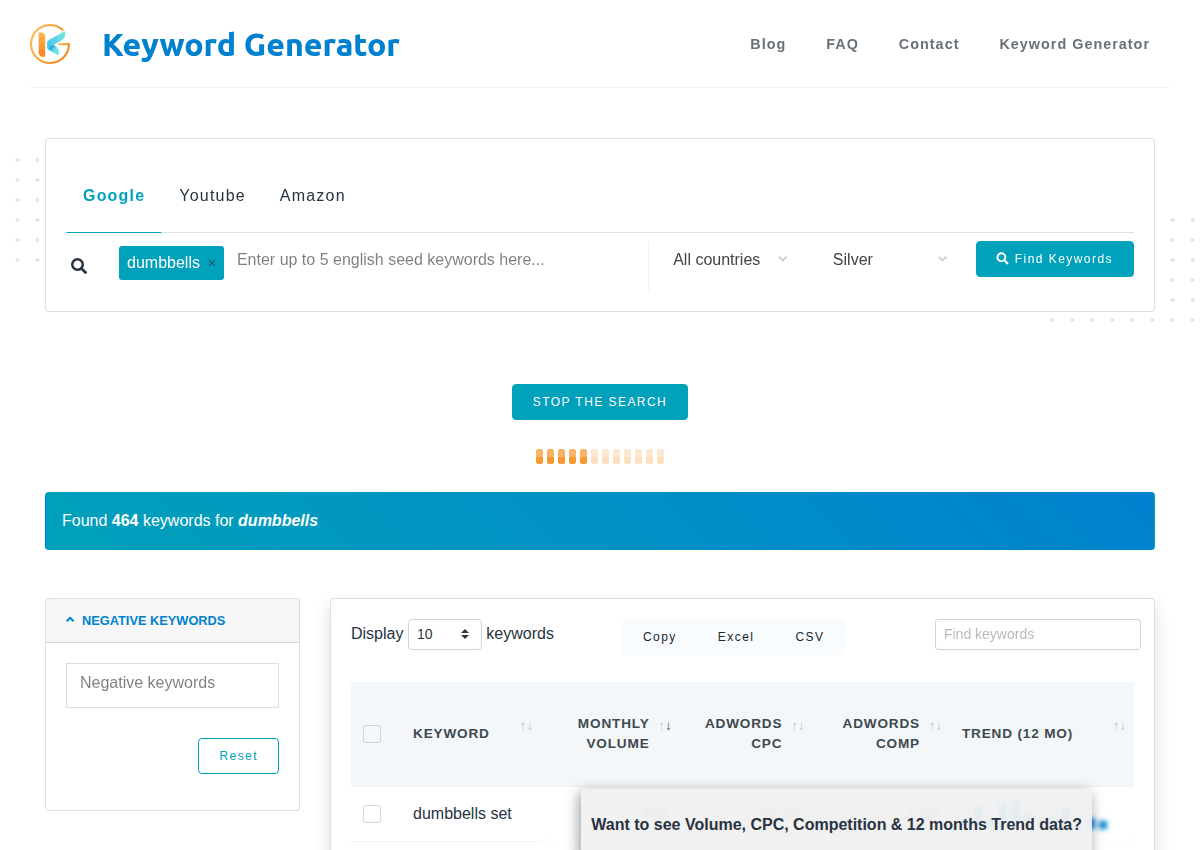
Everything it returns is a phrase someone actually typed. The volume columns fill in when you add your own Keywords Everywhere API key; without one you still get the full idea list free.
The 1,000-ideas workflow starts here for a reason: three minutes in, you already have hundreds of candidates.
2. Ideas with volumes: Google Keyword Tool
When you want numbers attached as you generate, the Google Keyword Tool from the Keywords Everywhere team returns real Google phrases with monthly volume, CPC and competition, free.
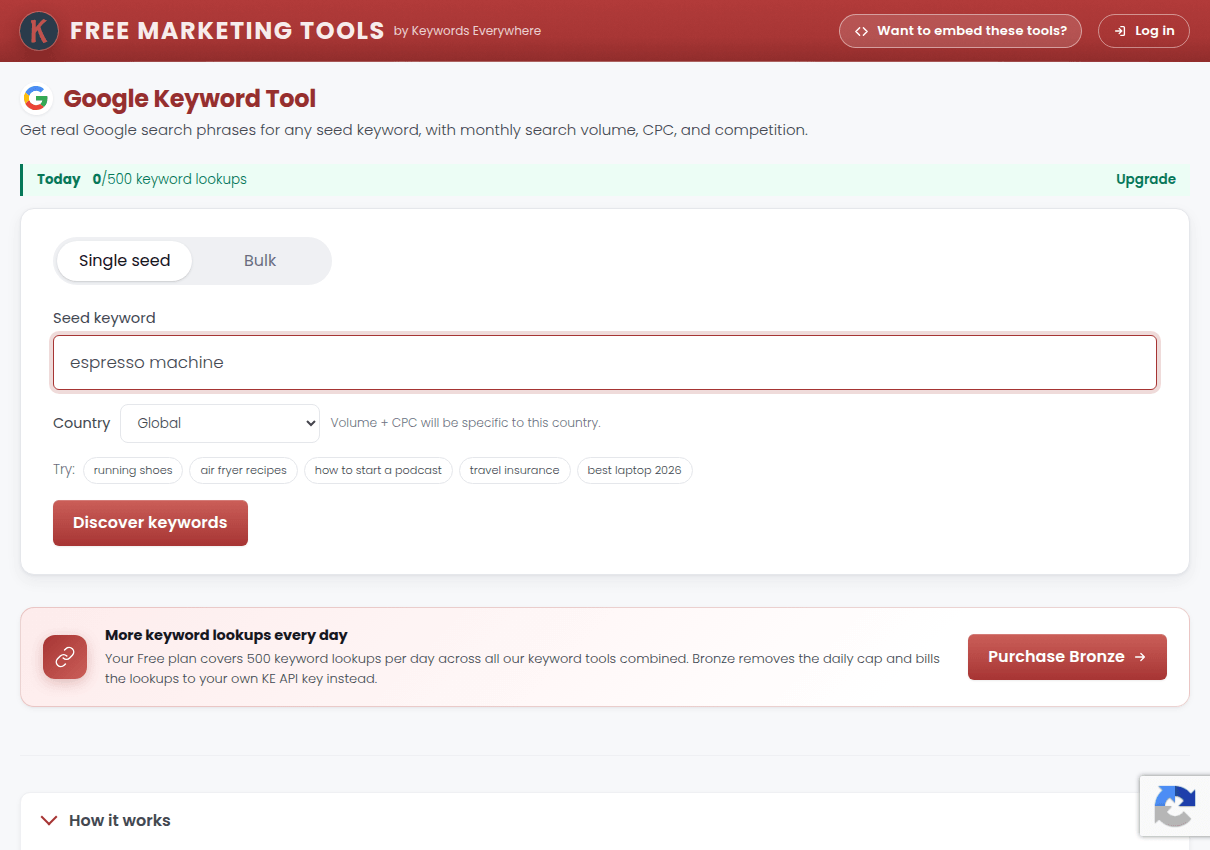
Use it on the shortlist stage: generate wide with autocomplete first, then run the promising seeds here to see which branches carry demand.
3. Question mining: QuestionDB
QuestionDB pulls questions from forums and discussion boards rather than autocomplete, which surfaces the raw, unpolished phrasings real people use when they ask for help.
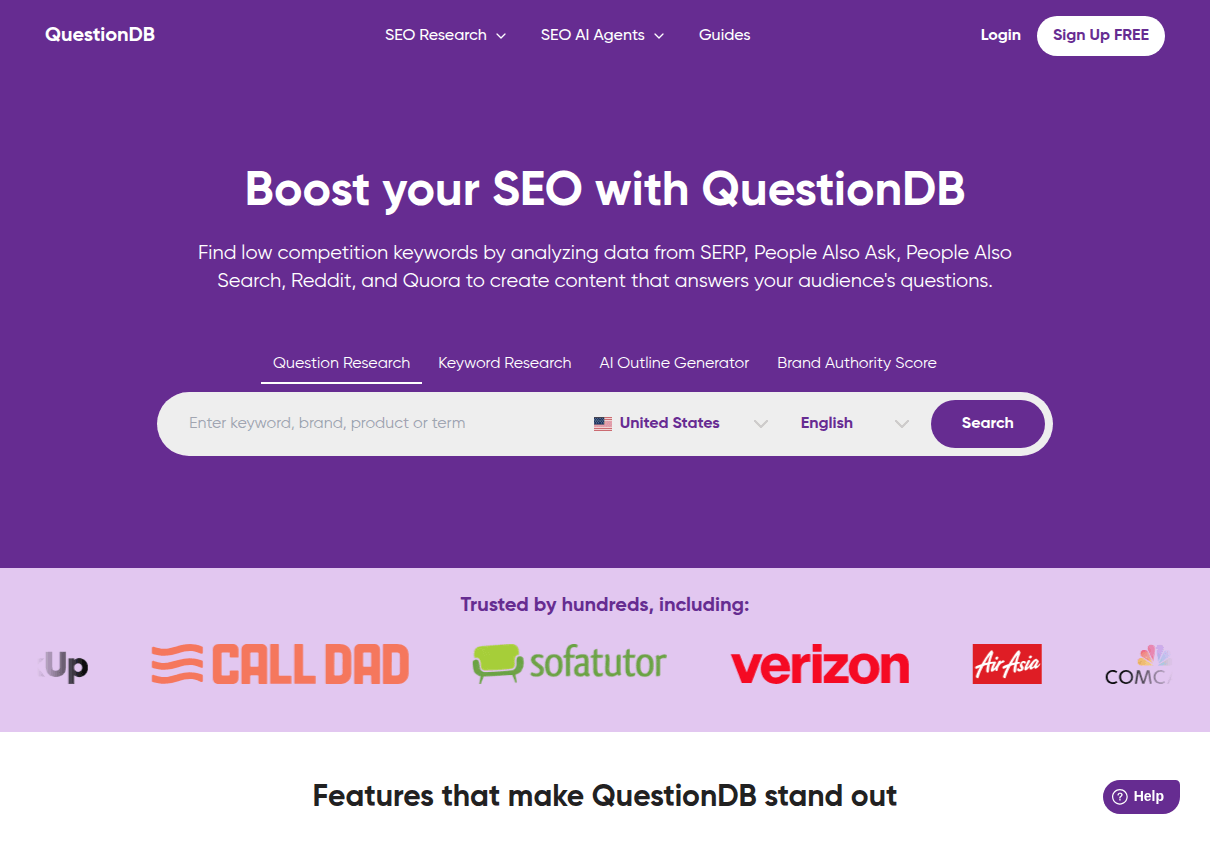
Free searches return a capped result set without a card. It pairs well with autocomplete questions because the two sources barely overlap.
4. People Also Ask trees: AlsoAsked
AlsoAsked maps Google's People Also Ask boxes into a branching tree: ask about one topic and watch it unfold into the follow-up questions searchers actually click.
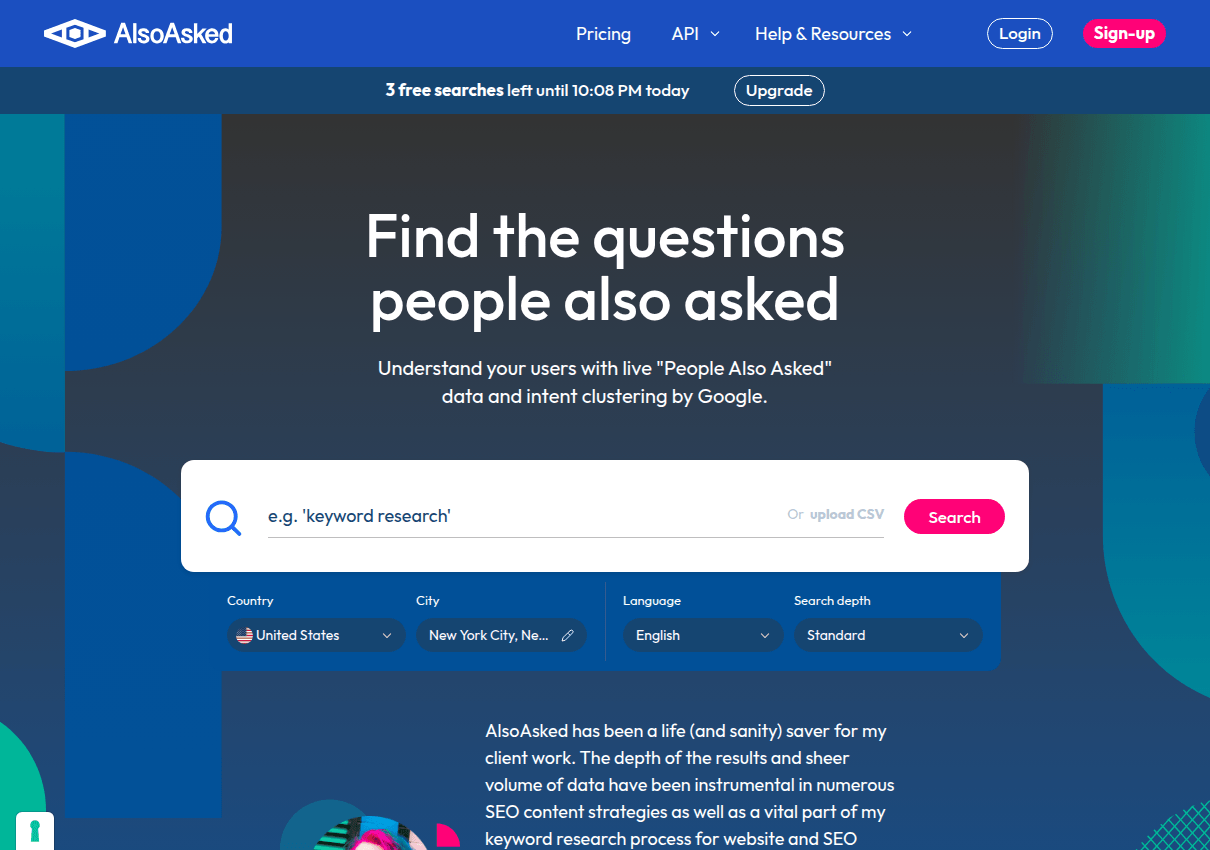
The free tier allows a few searches a day, enough for one topic deep-dive. The tree structure is the value: it shows which questions lead to which, which is an outline generator in disguise.
5. Platform suggestions: KeywordTool.io
KeywordTool.io runs autocomplete mining across platforms: Google, YouTube, Bing, Amazon, Instagram and app stores, one tab each.
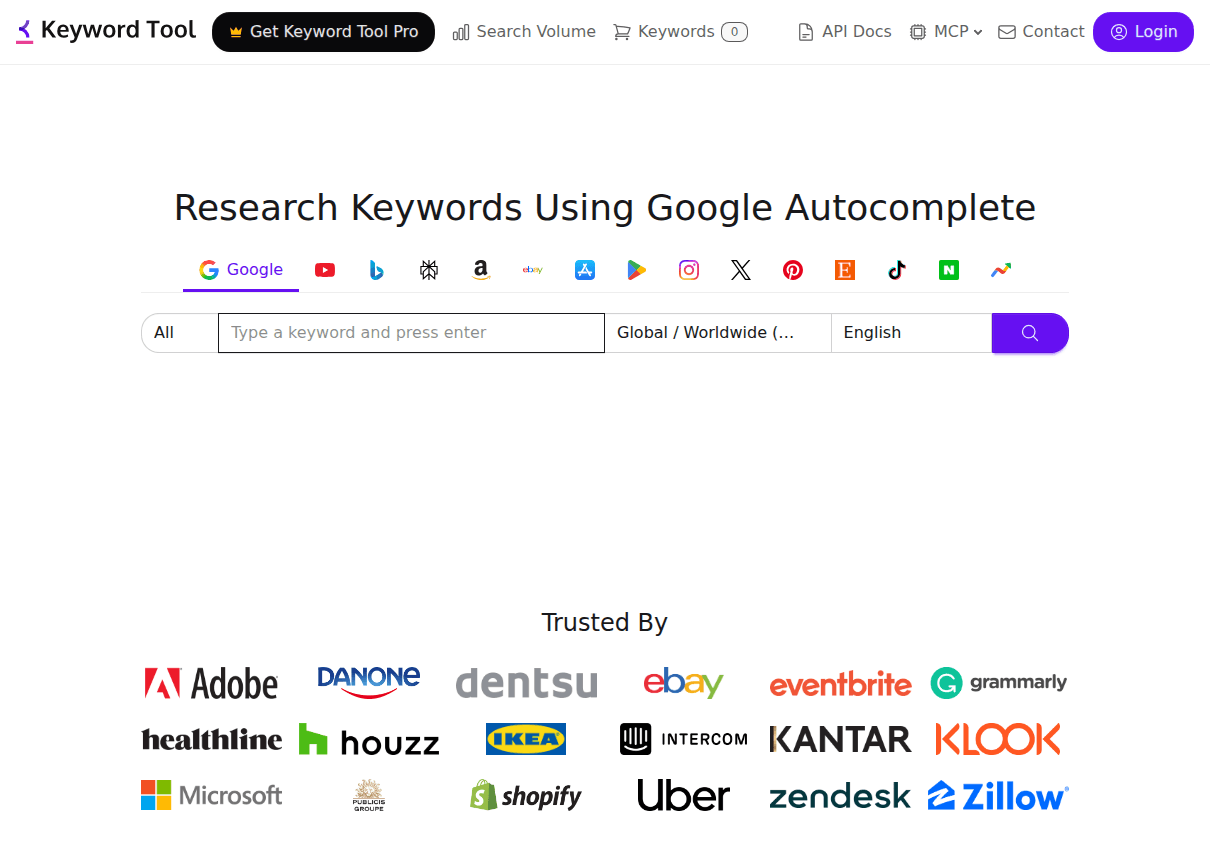
The free tier lists suggestions but keeps volumes behind its Pro plans. As a pure generator that is fine; validate elsewhere.
6. PPC-grade validation: Google Keyword Planner
Google Keyword Planner is the advertiser's source of record. It generates related ideas and shows volume ranges free with any Google Ads account, no ad spend required.
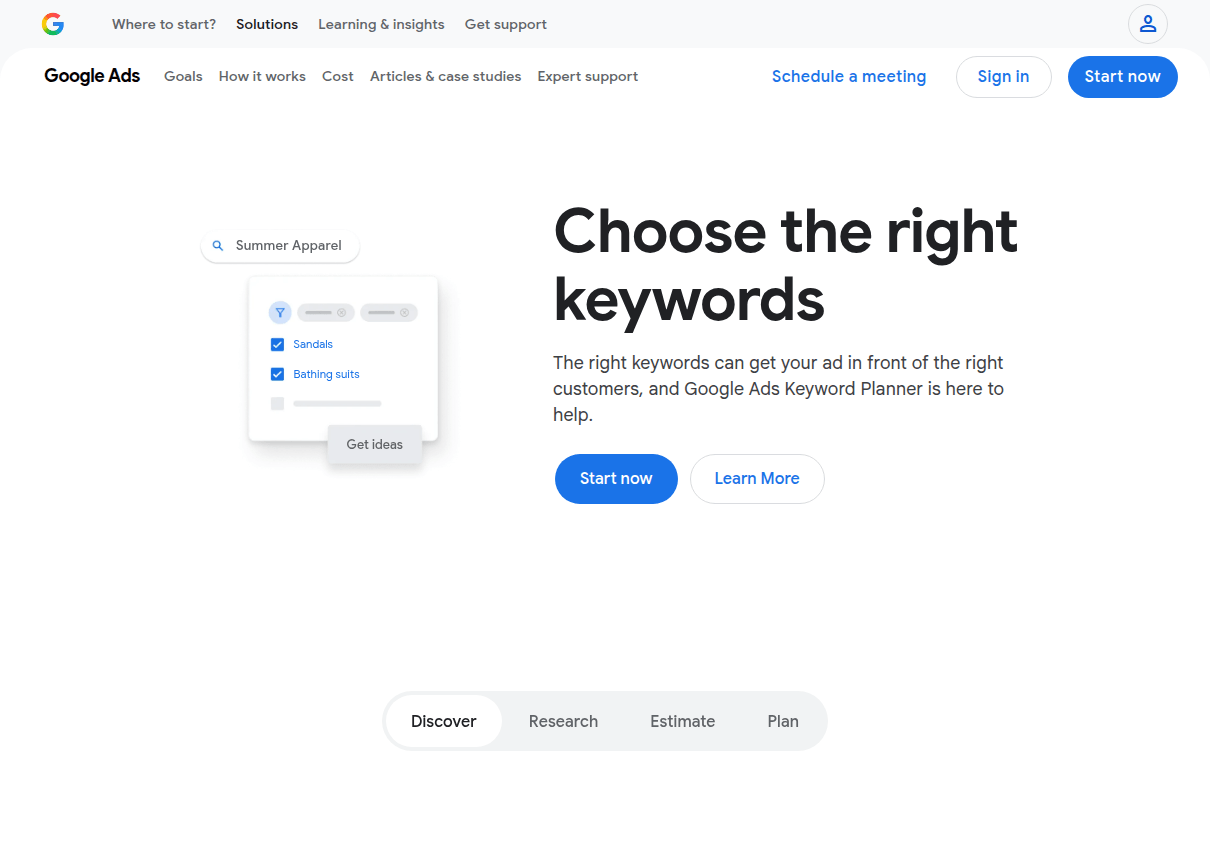
Its generation skews commercial, mirroring advertiser demand, which makes it the right second opinion for keywords you plan to monetize.
7. Angle brainstorming: ChatGPT
ChatGPT is the one generator here that does not read search data, which is exactly its use: it generates from meaning, not from logs.
Ask it for the problems a specific audience has, the words beginners confuse, the comparisons people make. Then validate every phrase against autocomplete, because ChatGPT happily invents searches nobody performs.
8. Raw dumping: Keyword Sheeter
Keyword Sheeter does one thing: press the button and it pours autocomplete suggestions into a sheet until you tell it to stop. Thousands of them, free, unlimited.
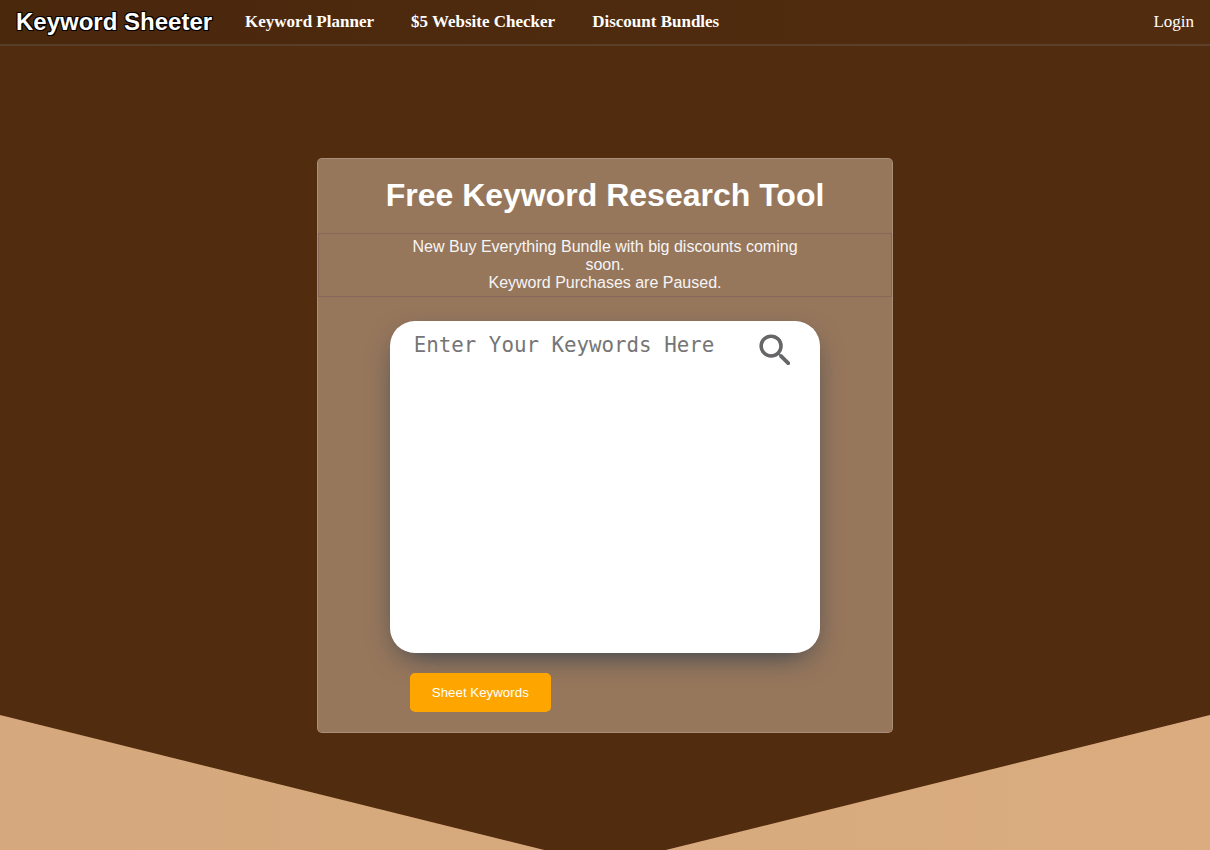
There is no polish and no sorting; positive and negative filters are cheap paid extras. When you just need mass, mass is what it delivers.
Chaining them: the assembly line
How we picked these
Every tool was run on the same seed topics in July 2026, and the free limits above are what we hit in practice, not marketing copy. The Google Keyword Tool comes from the Keywords Everywhere team, which we note openly; it earns its slot by attaching free volumes where most rivals charge.
The one-line takeaway: hire generators by job: this site or Keyword Sheeter for bulk, QuestionDB and AlsoAsked for questions, ChatGPT for angles, and the Google Keyword Tool or Keyword Planner to attach the numbers that pick your winners.